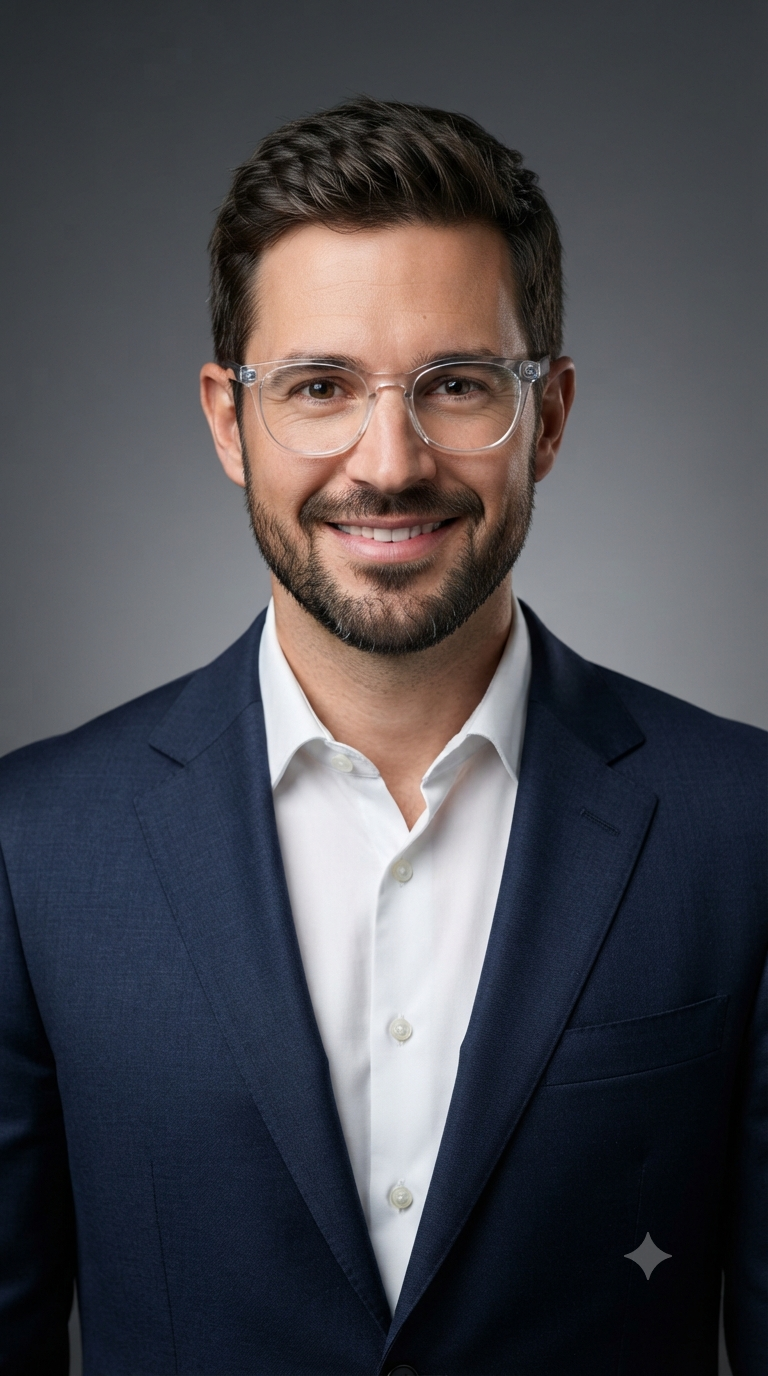
Transparent Frames Navy Suit Executive Studio Headshot
Style breakdown
This polished close-up corporate headshot features a confident and modern businessman positioned against a smooth neutral grey studio gradient background. Framed from the chest up, the subject conveys professional leadership, approachability, and contemporary style through his warm, assured smile and direct gaze. He is expertly attired in a tailored navy blue suit jacket paired with a crisp white collared dress shirt featuring a relaxed open collar. His refined look is elevated by stylish transparent crystal-clear frame glasses, short styled dark hair, and a neatly groomed beard and mustache. The minimalist grey gradient background ensures zero visual distraction, focusing complete attention on his engaging expression. Illuminated by professional studio lighting with soft highlights and gentle fill, the portrait achieves a striking and balanced dimension across facial features and apparel textures. Rendered in photorealistic 8k resolution, every intricate detail—from the fine weave of the navy suit and the crisp fabric of the shirt to the transparent frame edges and individual beard hairs—is captured with exceptional clarity, high tonal fidelity, and commercial-grade editorial precision.
The prompt
A professional close-up corporate headshot of a smiling businessman against a neutral grey studio gradient background. The subject is wearing stylish transparent crystal-clear frame glasses, a tailored navy blue suit jacket, and a crisp white collared dress shirt with an open collar. He has short styled dark hair, a neat beard and mustache, and is smiling warmly and confidently directly at the camera. Professional studio lighting with soft highlights, executive portrait photography, photorealistic, 8k resolution.
How to use
Copy the complete prompt text provided above into your preferred AI image generator or corporate editorial workspace. Configure your generator to a vertical aspect ratio (such as 9:16 or 4:5) to properly capture the professional close-up framing and clean studio composition. Set your target resolution and compression parameters to ensure the exported image file size remains efficiently below your 5 MB to 7 MB storage limit. Generate initial renders and inspect critical details, including the subject's welcoming expression, the sharp tailoring of the navy suit, and the smooth neutral grey studio gradient background. Refine or re-run the prompt if the studio lighting intensity or skin highlights require minor artistic adjustments. Export the final chosen render to preserve the rich clothing textures, professional studio tones, and executive quality within your specific file size constraints.

